
 Smart Control
 Companion / Upgrader
FIRMWARE DVMA9005 for the Display (Available only for versions sold 01 February 2023) with SD Card.
What is new:
- Support SPORT/WINTER Mode in Aisin Transmissions
- Support Drive/Sport/Manual Mode in Selespeed Transmissions
- Radio Data Fixed – Support:
- FM1, FM2, FM3
- CD Player
- CD Changer
- Media Player for versions (2010+)
- AM/AMA/FMA
- RDS Text (Radio Name)
- Android CAN Multimedia Read – Eliminate number 08 and etc.
- Menu with screens (Click on speedometer to open)
- Set date/time menu
- Set features menu as:
- Oil level deactivation
- Steering wheel control deactivation
- Opening Ceremony deactivation
- Background change screen
- USB Android Notifications Support (Android App Require (in developing process)
- New SHIFT warning visualization
- Major Bug Fixes
- Minor Bug Fixes
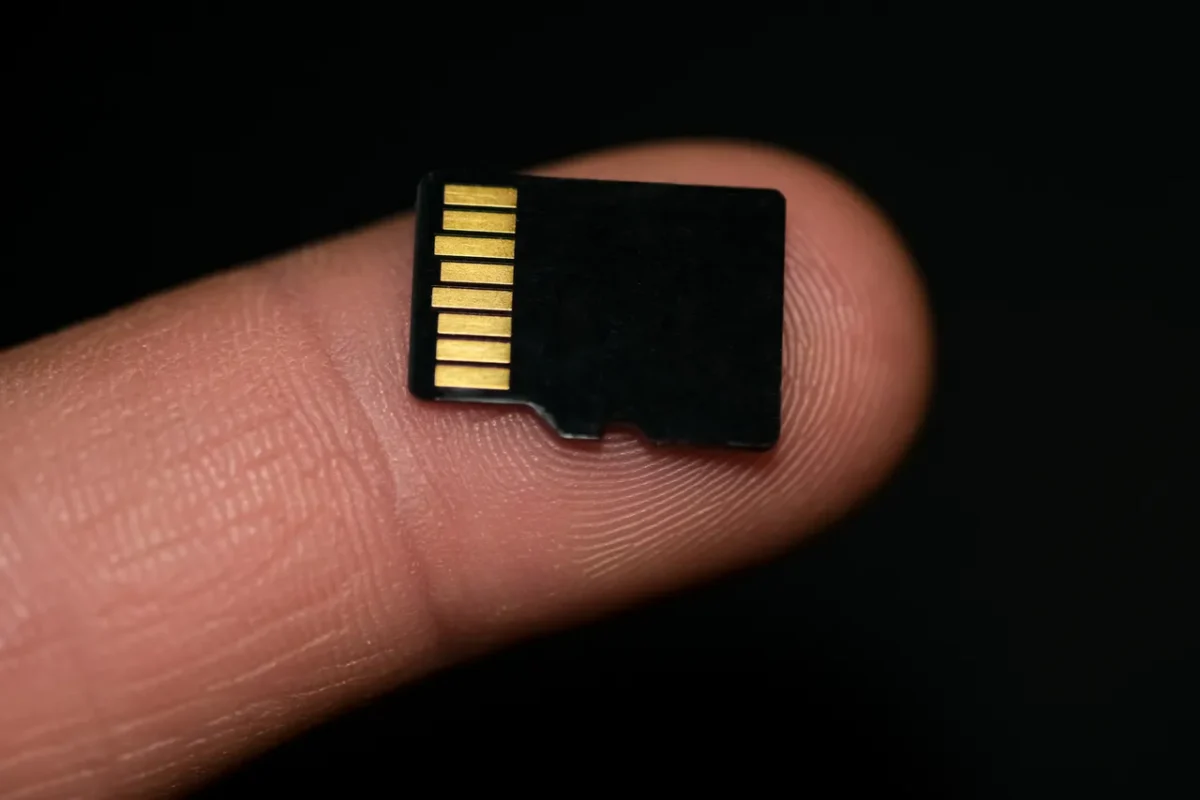
1. PREPARE FILE & SD CARD
-
Prepare Empty SD Card
-
Format it as FAT 32
- Copy TFT file directly to the root folder

2. Detach the DVM from Instrument panel
-
Lower the steering wheel to the lowest position
-
Pull the steering wheel towards you
-
Lift the bottom edge of the display
-
Pull down the display

3. DISASSEMBLY
-
Disconnect the four pin connector from the display
-
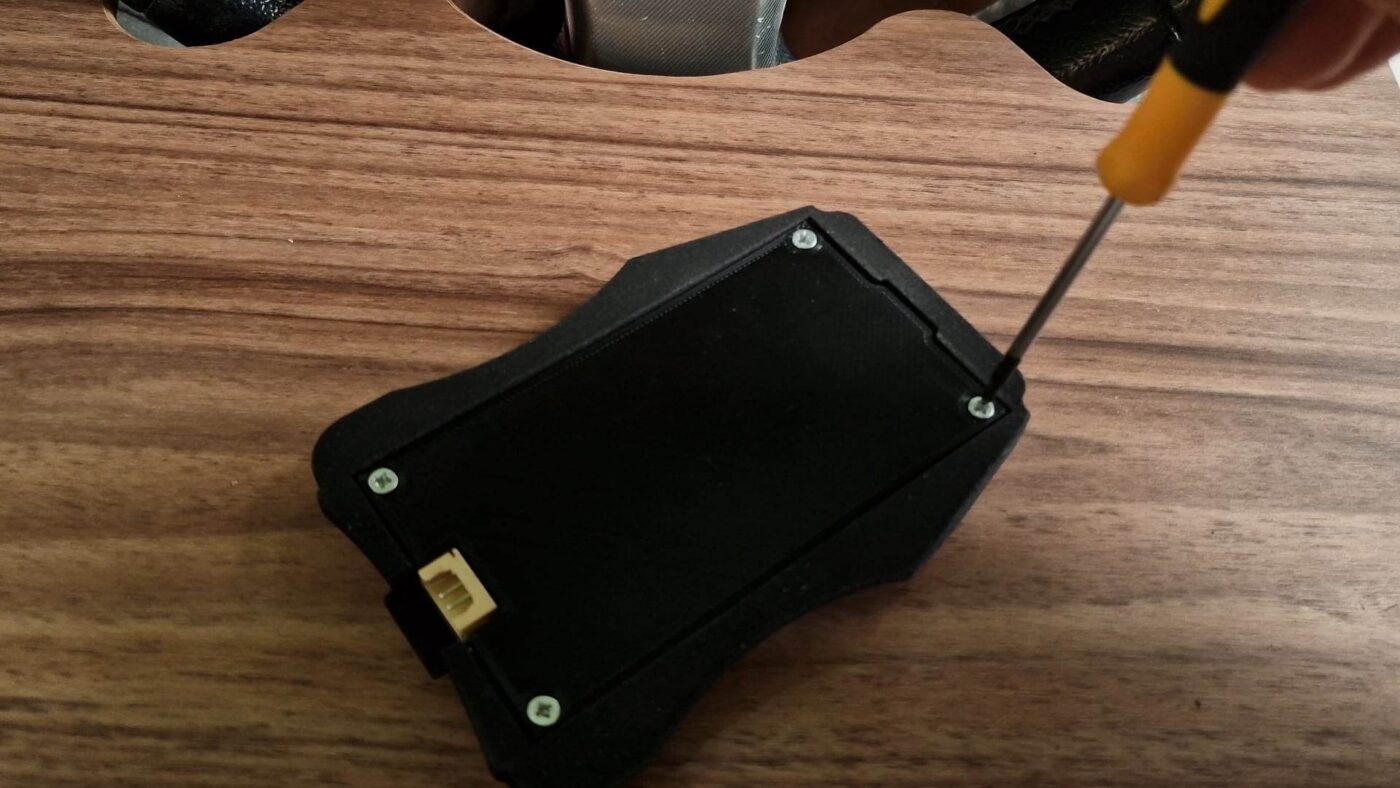
Unscrew all four screws with philips screwdriver
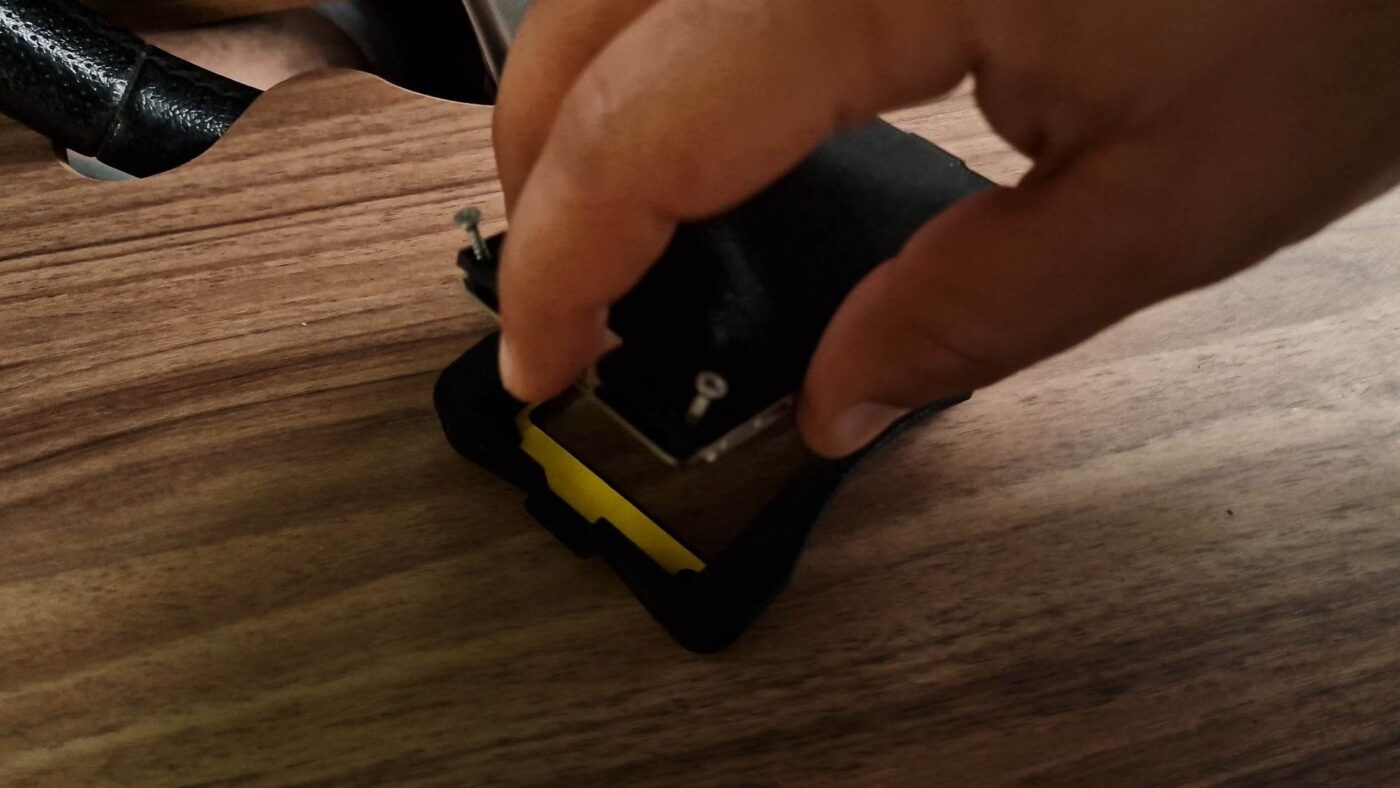
- After unscrewing the screws, carefully lift the cover.

- Insert and press the SD Card until you hear a click
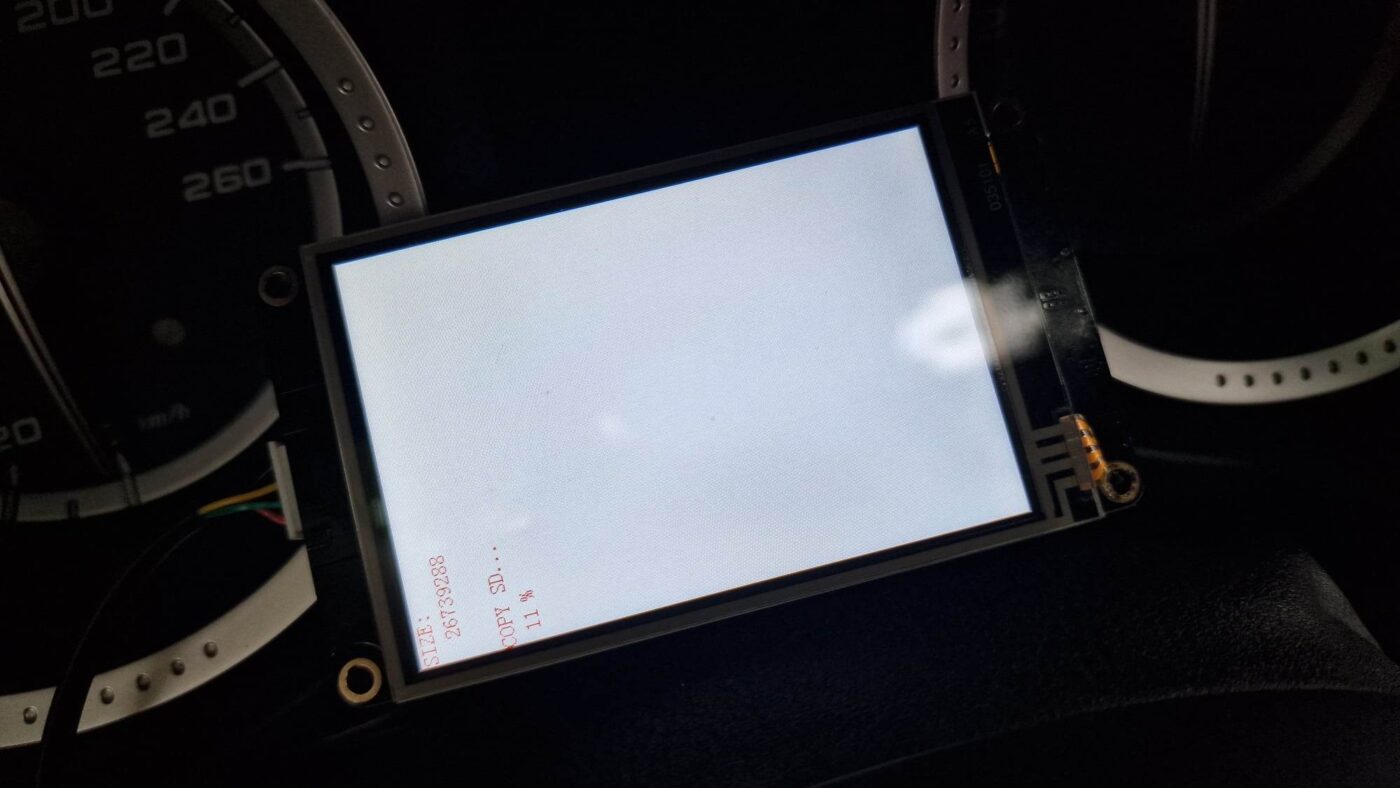
- Plug the four pin connector and wait to reach 100% installation