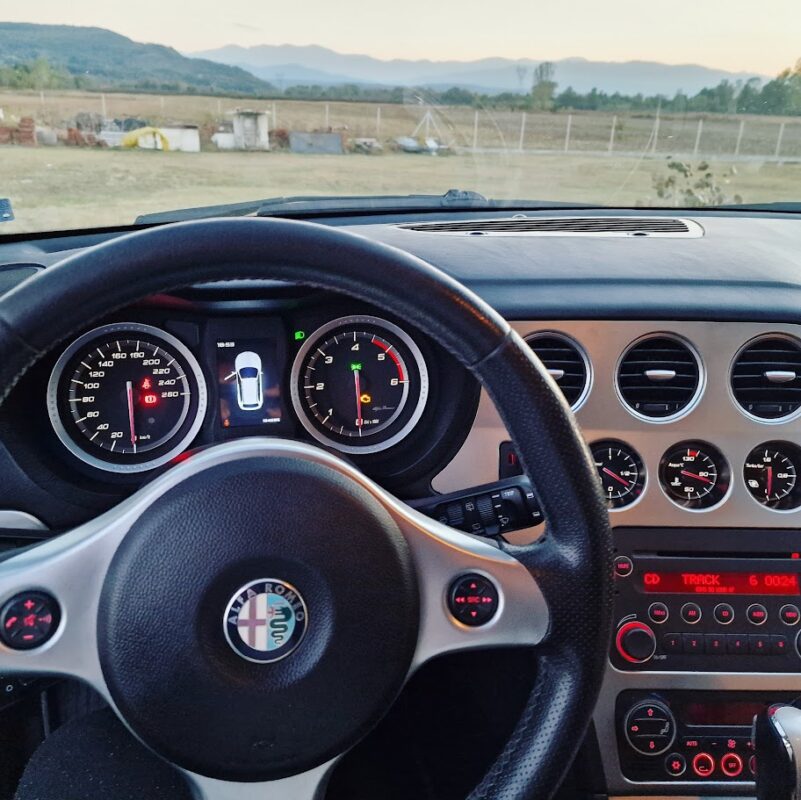
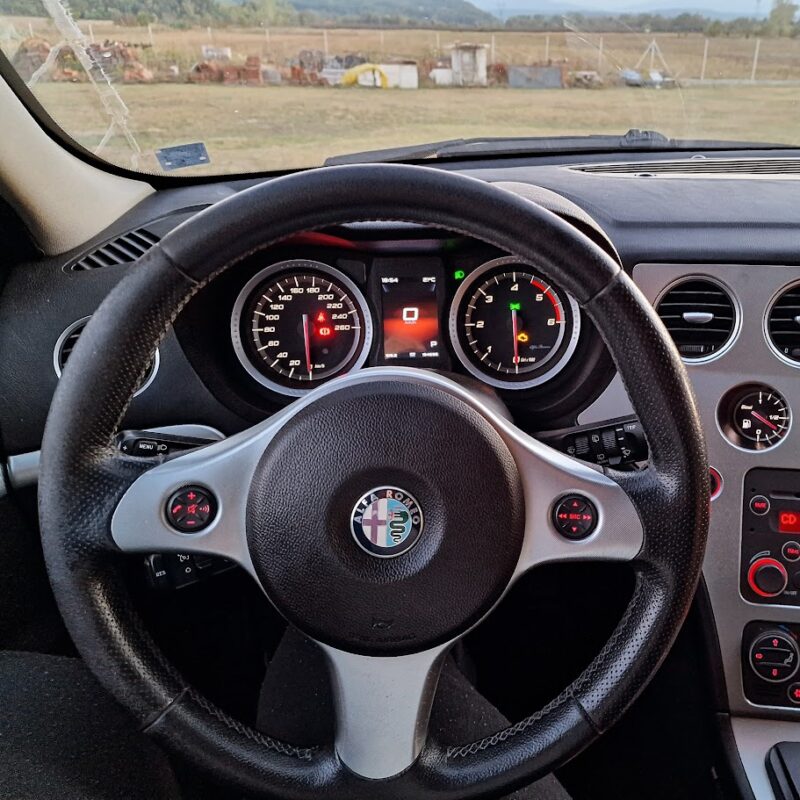
NEW! DVM9005
Available to upgrade!
Bug Fixes:
- Fixed known bugs from previous firmware versions.
- Fixed screenwash bug
- More types of park tronic compatibility.
- Opened doors in Right Hand Drive cars fixed.
- Other known bug fixes.
New Features:
- More menu options added for greater customization.
- Added more detailed fuel level warning.
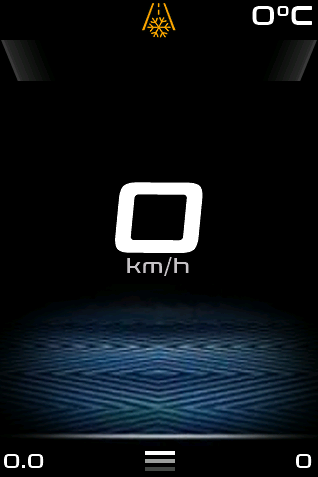
- Signal on cold cars when high RPM.
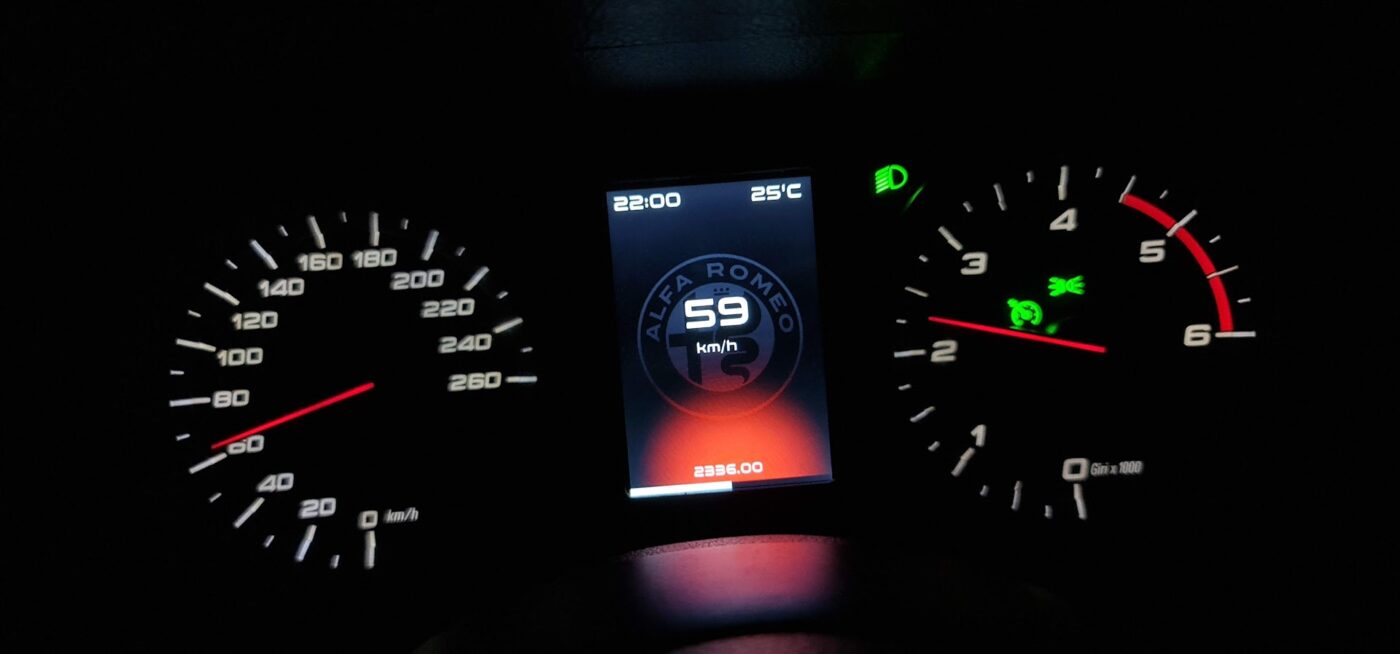
- Improved speed.
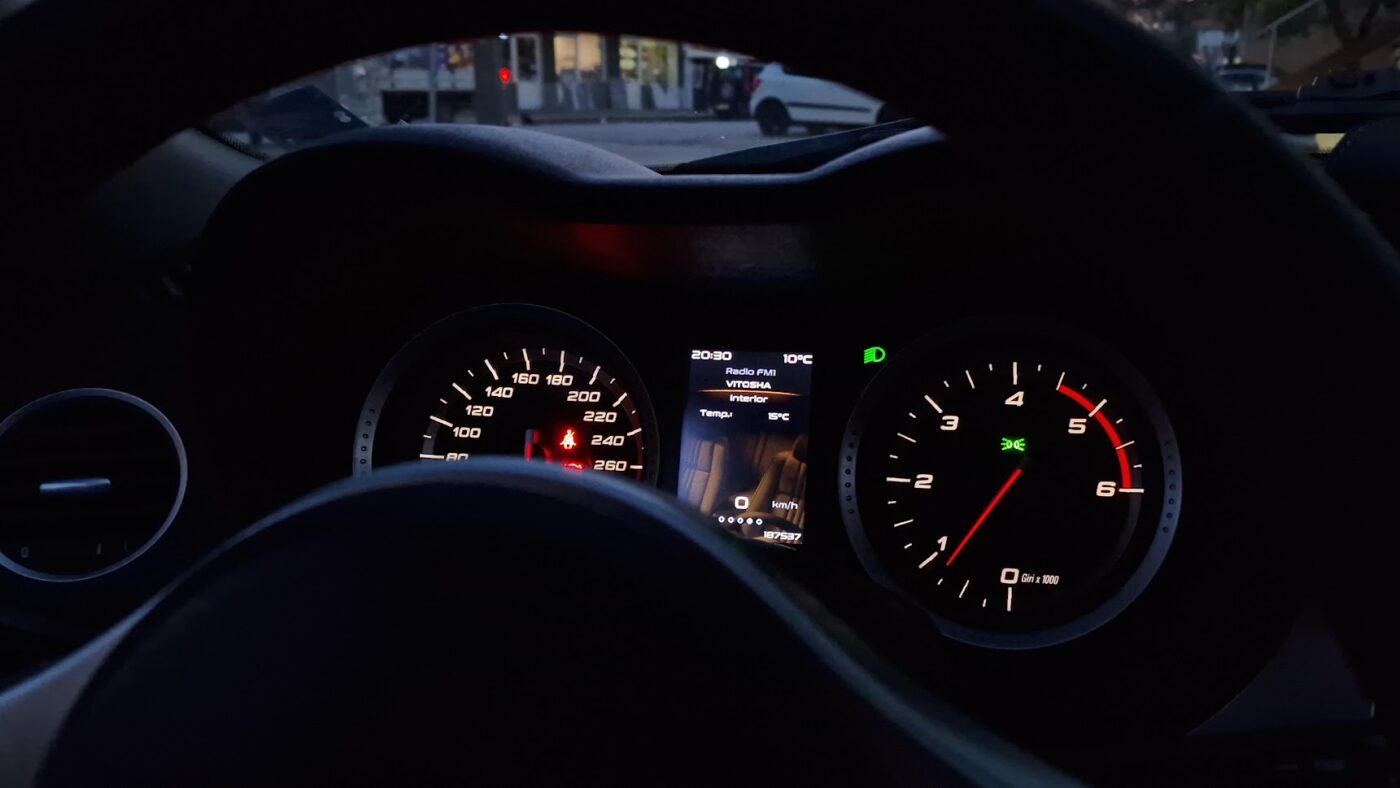
- Possibility of updating the visualization for displays sold after 01 February 2023 with SD Card.
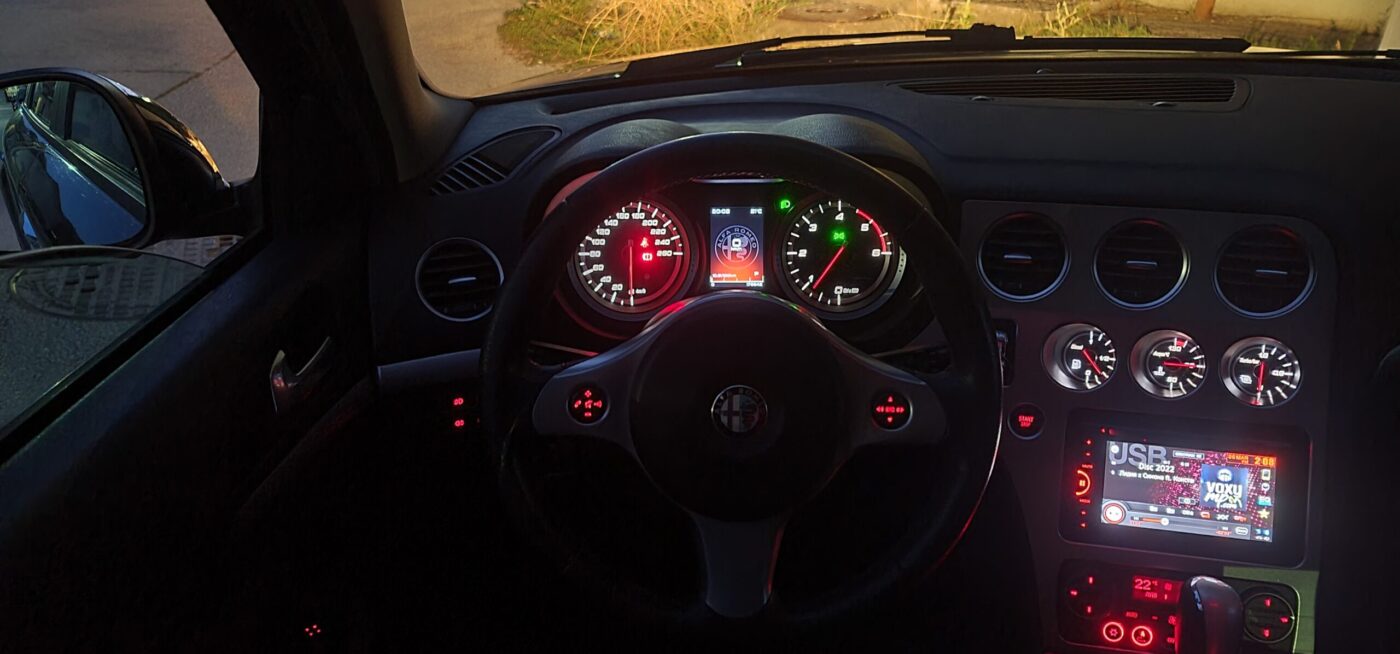
- Added USB for Android Multimedia and app to control visualization.
- Shift warning self-adaption: Basic settings are for diesel car – 3500 – 4500 rpm. If the car increase the engine speed over 6000 rpm the settings automatically going to 5500 – 6500 rpm.
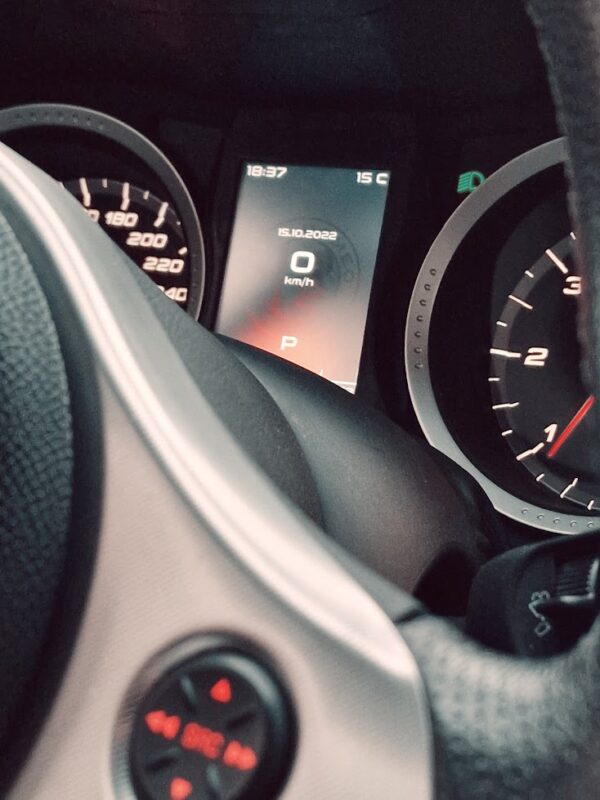
- Time/Date settings from display
FIRMWARE DVMA9005 for the Display (Available only for versions sold 01 February 2023) with SD Card.
What is new:
- Radio Data Fixed – Support:
- FM1, FM2, FM3
- CD Player
- CD Changer
- Media Player for versions (2010+)
- AM/AMA/FMA
- RDS Text (Radio Name)
- Android CAN Multimedia Read – Eliminate number 08 and etc.
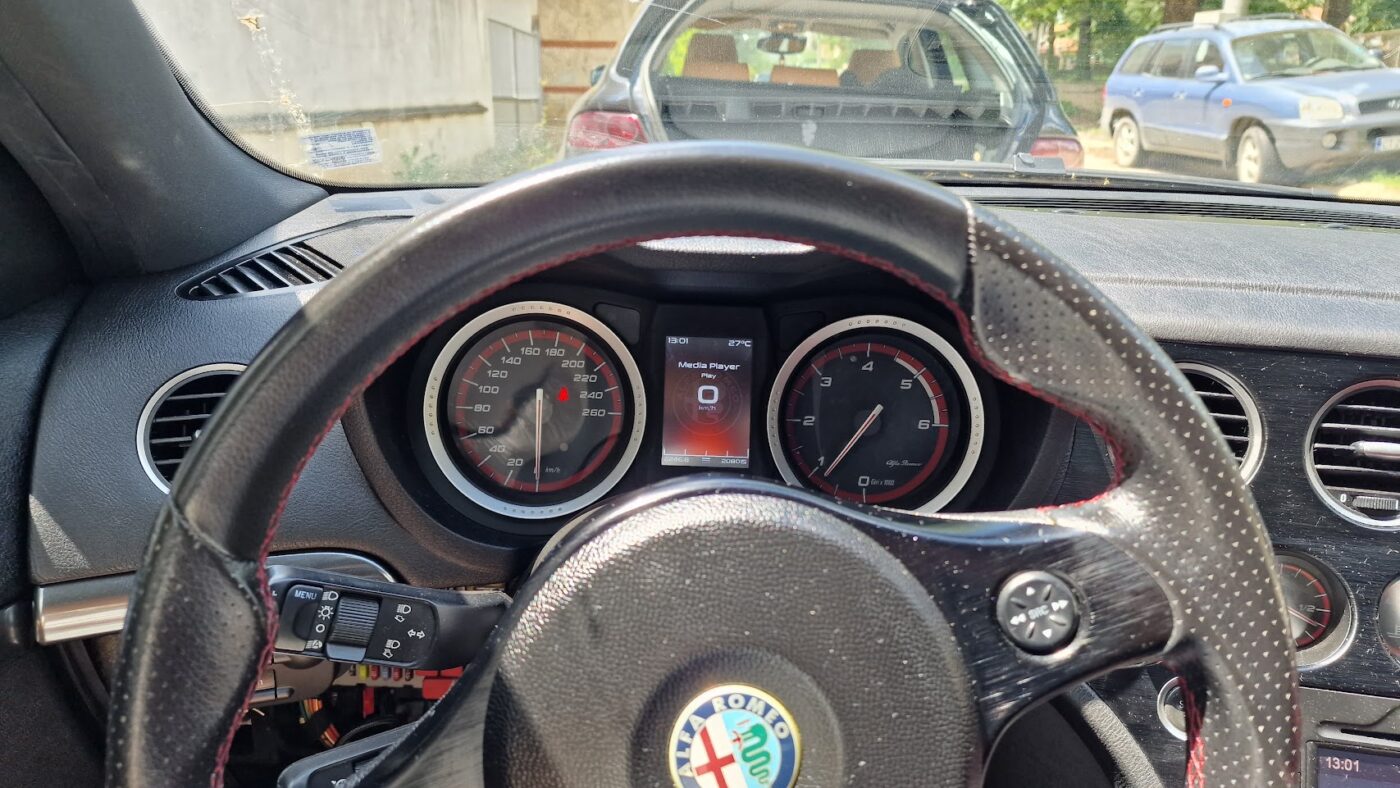
- Menu with screens (Click on speedometer to open)
- Set date/time menu
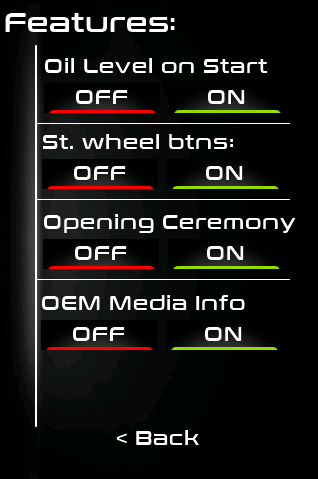
- Set features menu as:
- Oil level deactivation
- Steering wheel control deactivation
- Opening Ceremony deactivation
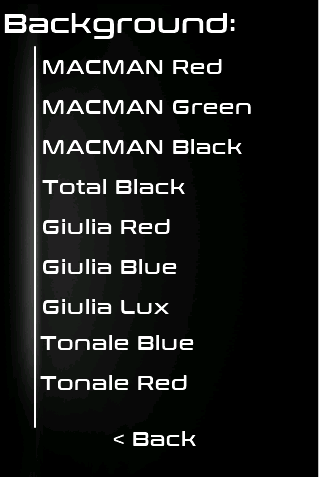
- Background change screen
- USB Android Notifications Support (Android App Require (in developing process)
- New SHIFT warning visualization
- Major Bug Fixes
- Minor Bug Fixes
Steps:
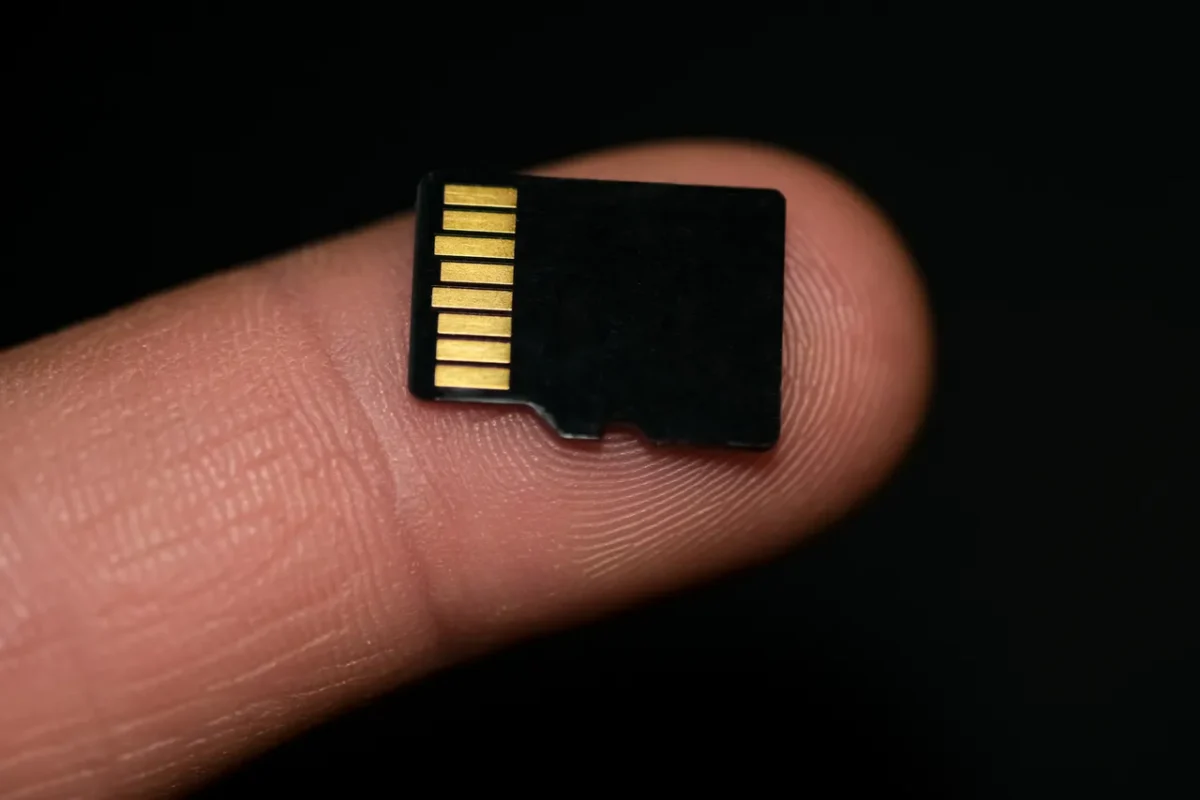
- Prepare Empty SD Card
- Format it as FAT32
- Copy this file into the root folder
- Detach the DVM from Instrument panel
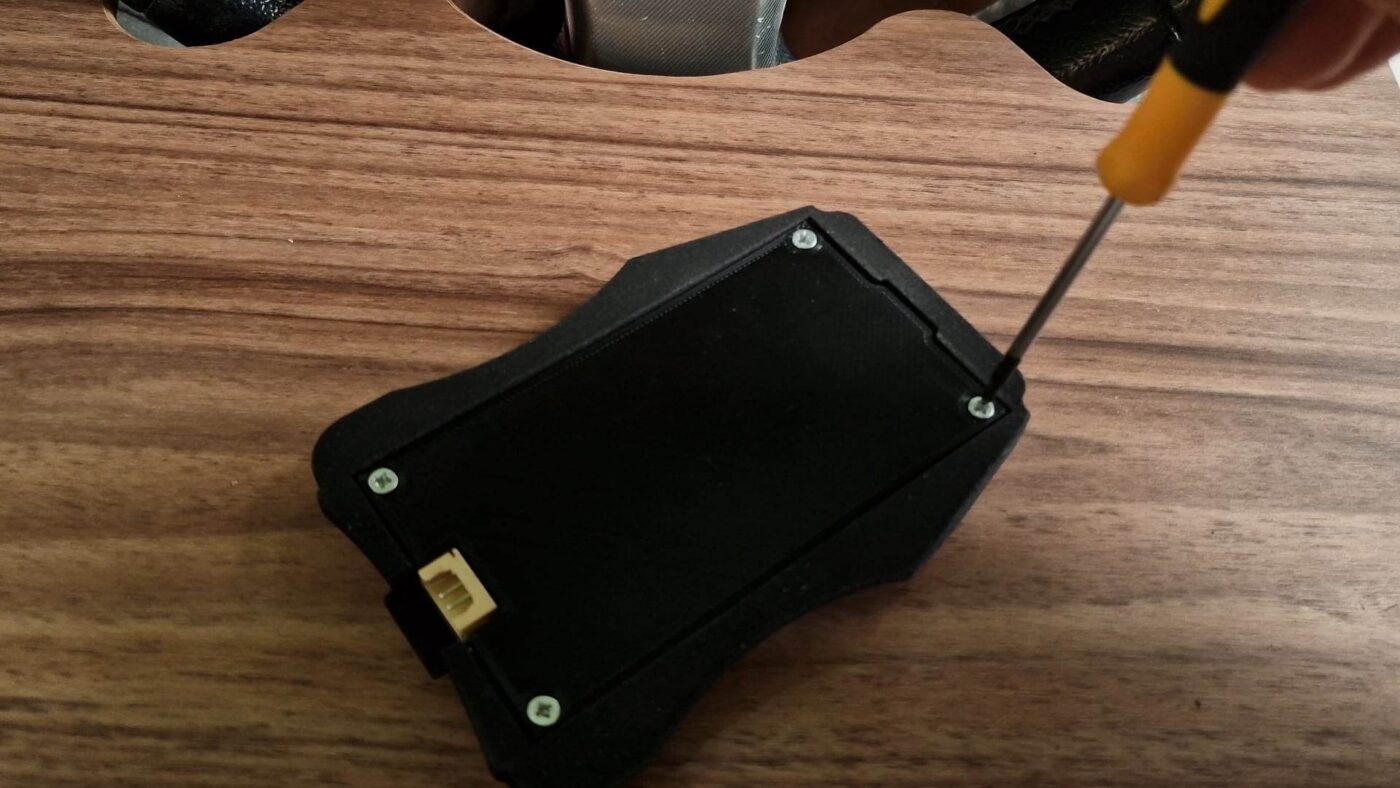
- Disconnect the four pin connector from the display
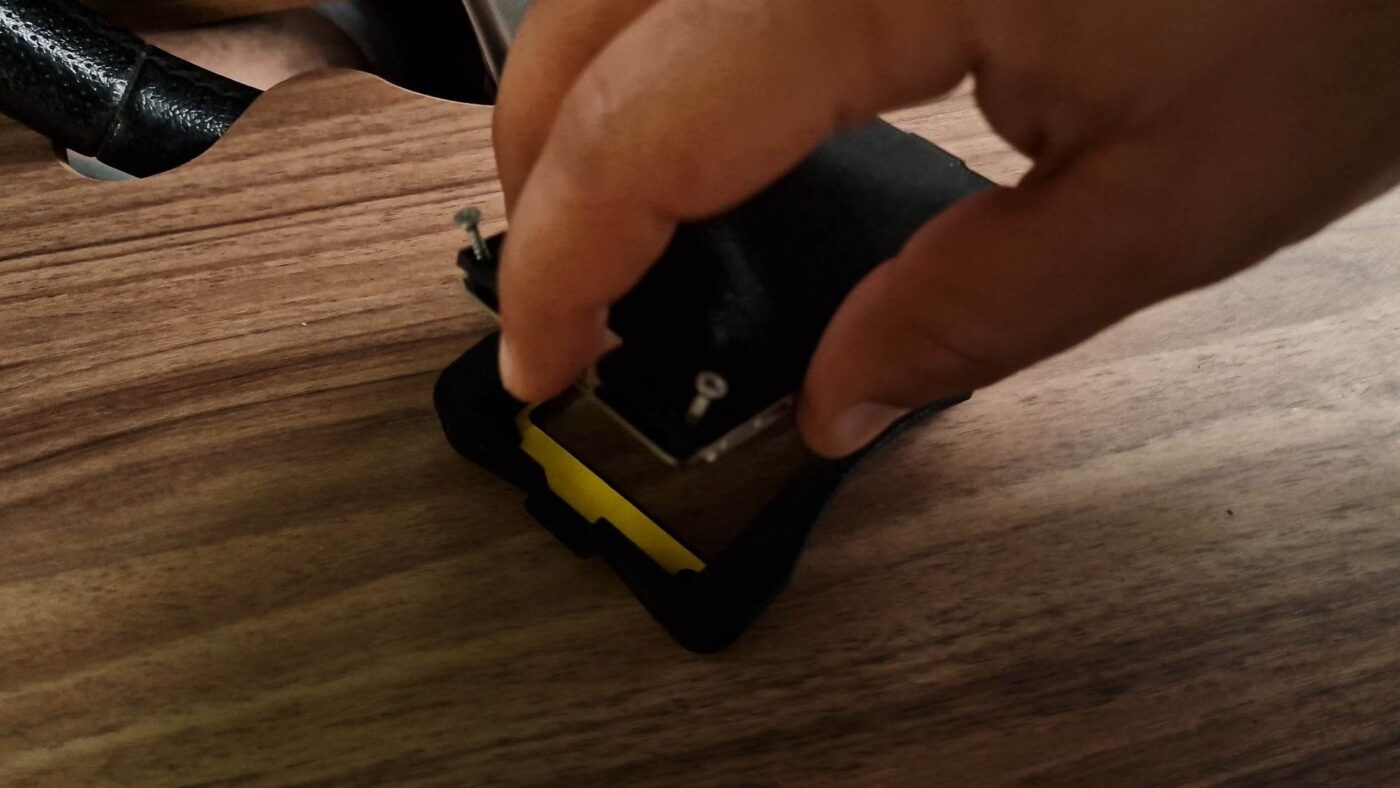
- Unscrew the fourth screws with screwdriver (Philips)
- Gentle remove the rear panel and keep the screen from scratches and fingerprints
- Insert the SD Card and connect the four pin connector
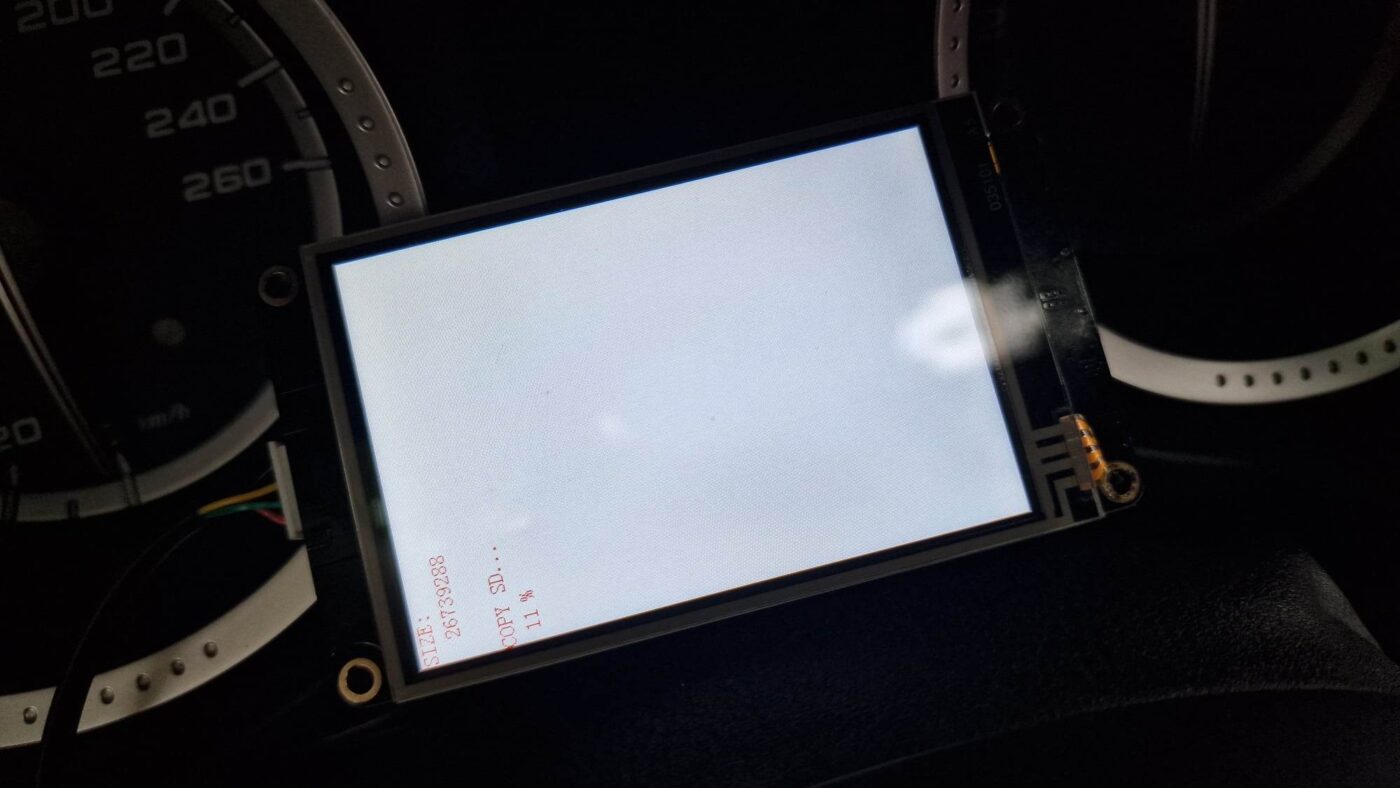
- You will see white screen with red characters showing that your display will be upgrade.
- Wait to complete the procedure. Around 3 minutes
- Remove the SD Card
- Disconnect the four pin connector from the display
- Connect the connector again
- It is ready!
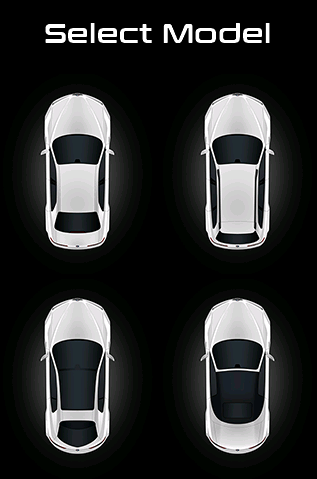
As always, it is important to keep your firmware up to date to ensure a smooth and enjoyable experience with your DVM Plug&Play Screen. These updates demonstrate our ongoing commitment to providing Alfa Romeo 159 and Brera drivers with the best possible driving experience. Keep an eye out for the DVM9005 update and future improvements!

 Smart Control
 Companion / Upgrader