
 Smart Control
 Companion / Upgrader
FIRMWARE DVMA9006 for the Display (Available only for versions sold 01 February 2023) with SD Card.
What is new:
- Alfa Romeo ti Font for Speedometer (bigger custom made)
- Brand new 4 type 939 cars visualization
- Alfa Romeo 159 Sedan
- Alfa Romeo 159 SW
- Alfa Romeo Brera
- Alfa Romeo Spider 939
- BugFix SPORT/WINTER Mode in Aisin Transmissions
- Set features menu as:
- Radio Repeat
- 9 Background screen / themes
- MACMAN Red (Default)
- MACMAN Green
- MACMAN Black
- Total Black
- Giulia Red
- Giulia Blue
- Giulia Lux
- Tonale Style Blue
- Tonale Style Red
- Major Bug Fixes
- Minor Bug Fixes
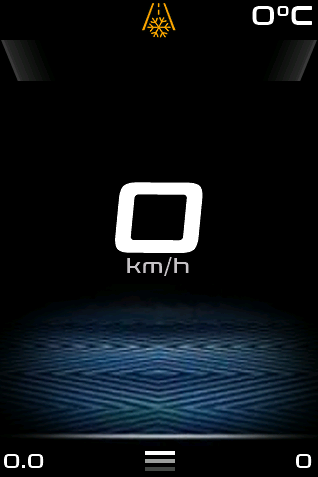
ti font
The new ti font over new Tonale Design for the general screen
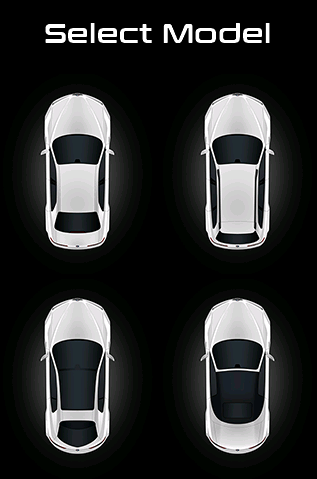
ALL 939 MODELS
Brand new 939 cars visualizations for your perfect fit!
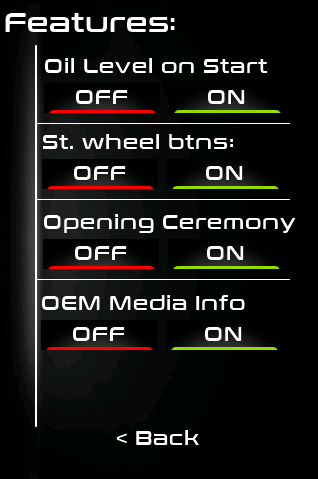
RADIO INFO OFF
You can stop seeing radio info, for aftermarket medias and etc.
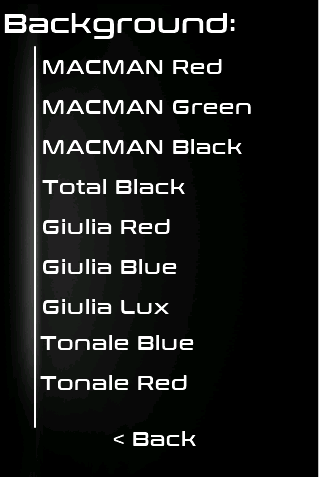
More themes
Giulia Style and Tonale Style Included in version 6!
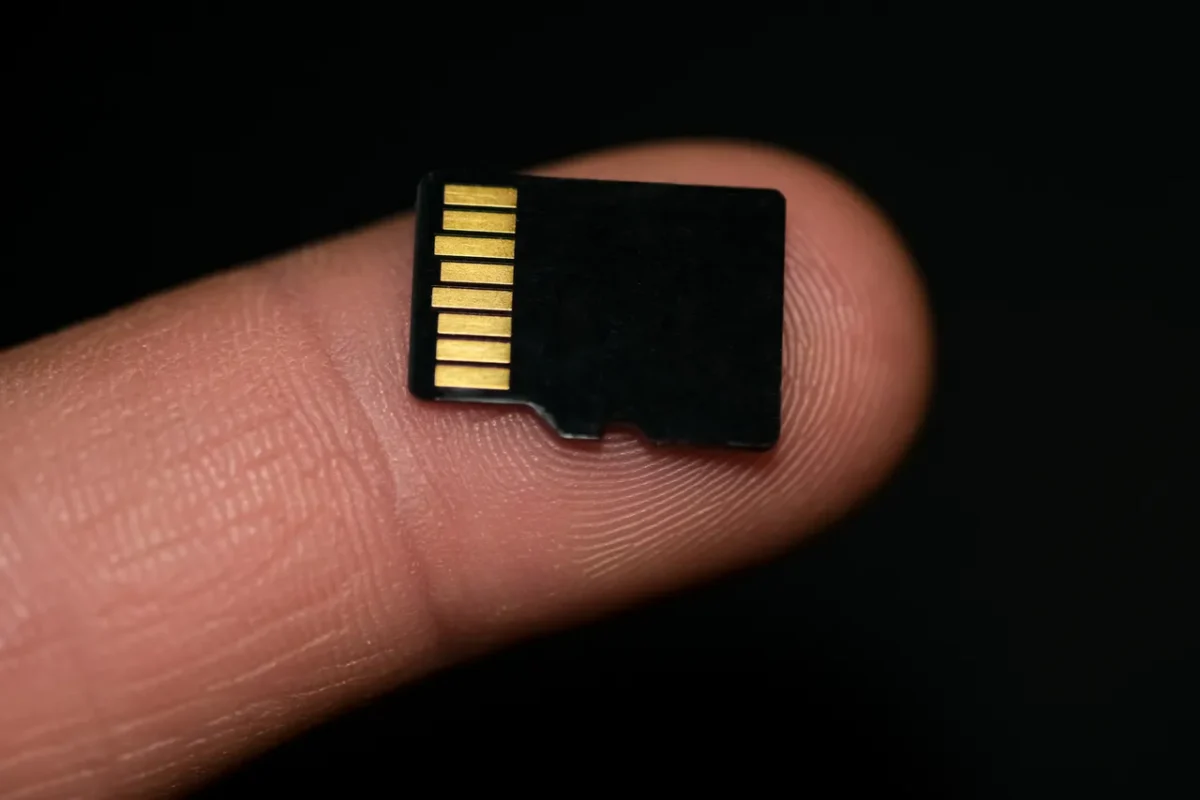
1. PREPARE FILE & SD CARD
-
Prepare Empty SD Card
-
Format it as FAT 32
- Copy TFT file directly to the root folder

2. Detach the DVM from Instrument panel
-
Lower the steering wheel to the lowest position
-
Pull the steering wheel towards you
-
Lift the bottom edge of the display
-
Pull down the display

3. DISASSEMBLY
-
Disconnect the four pin connector from the display
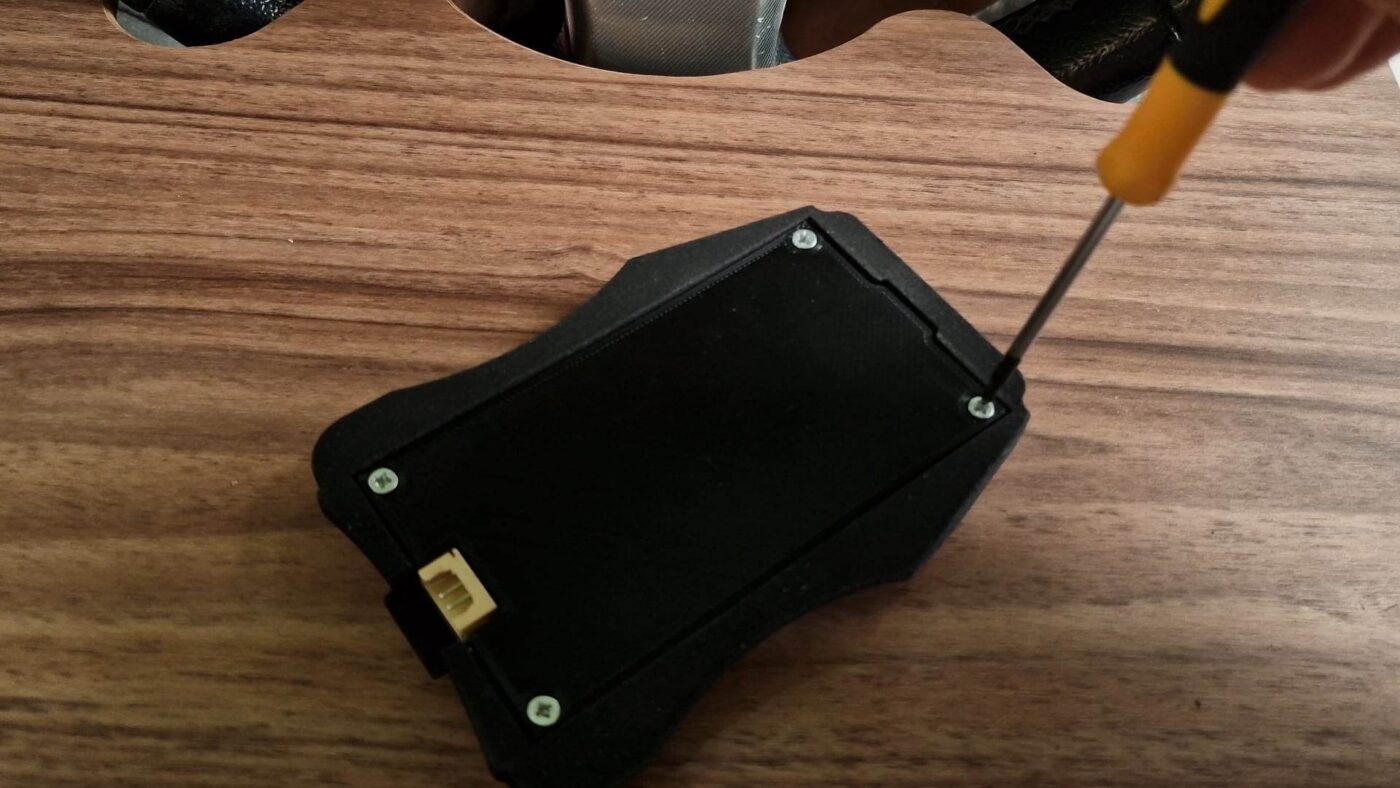
-
Unscrew all four screws with philips screwdriver
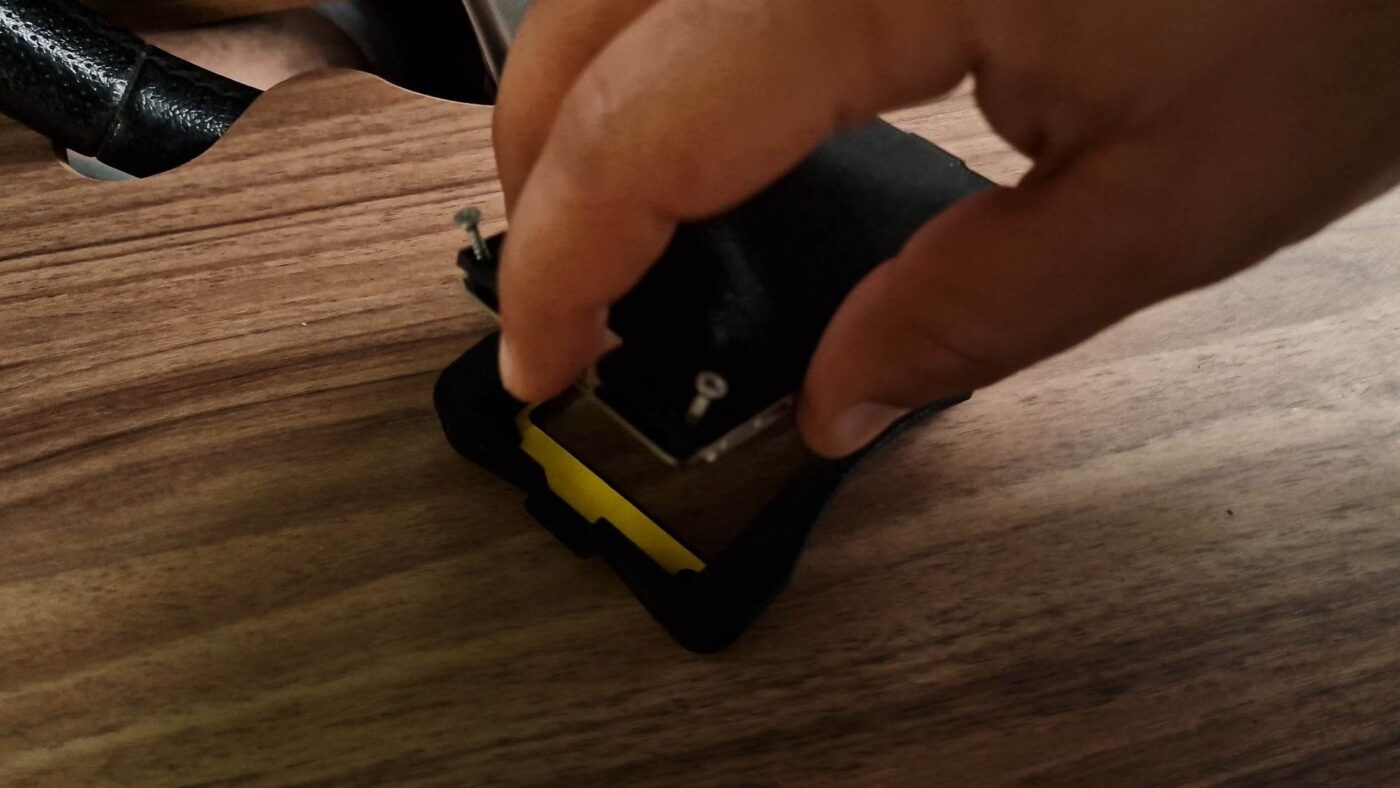
- After unscrewing the screws, carefully lift the cover.

- Insert and press the SD Card until you hear a click
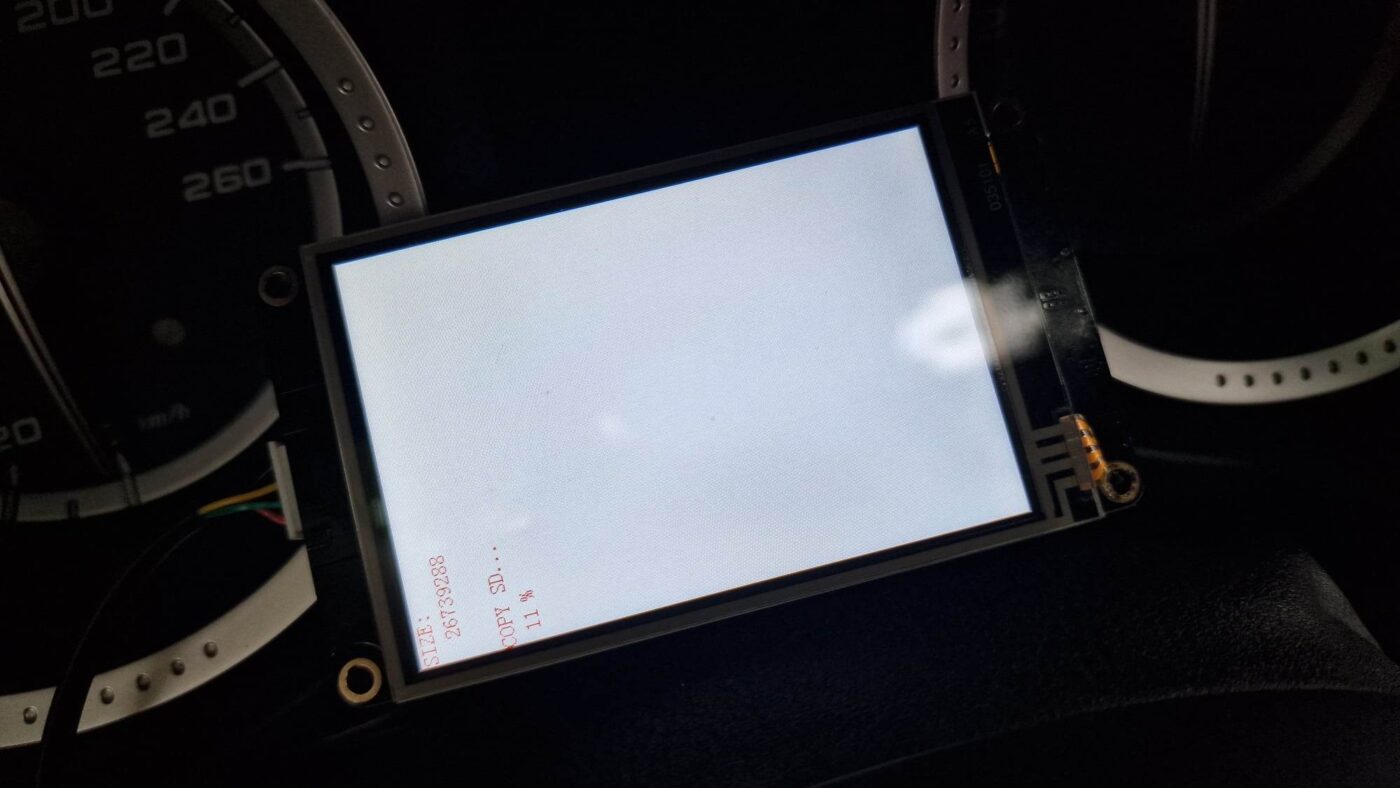
- Plug the four pin connector and wait to reach 100% installation